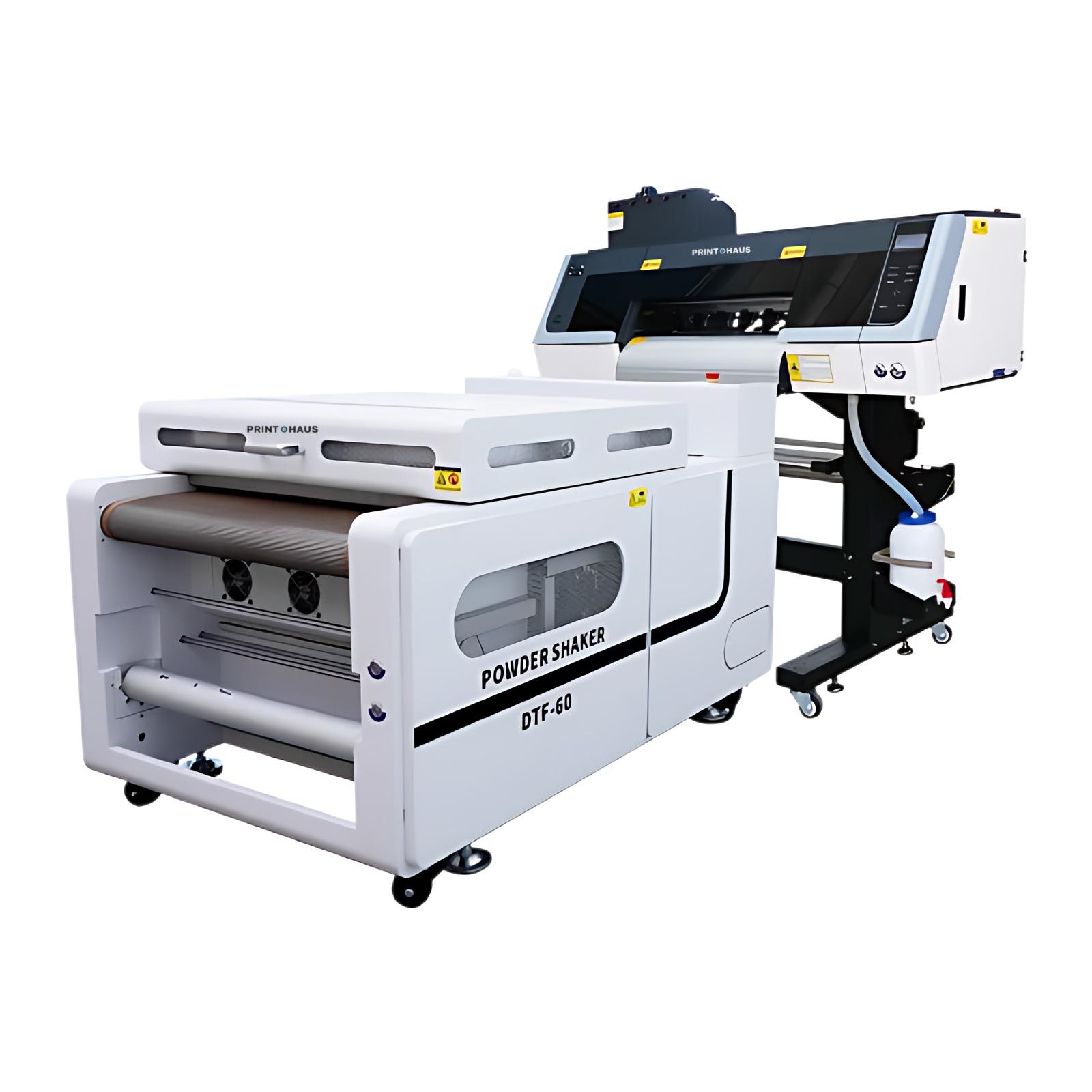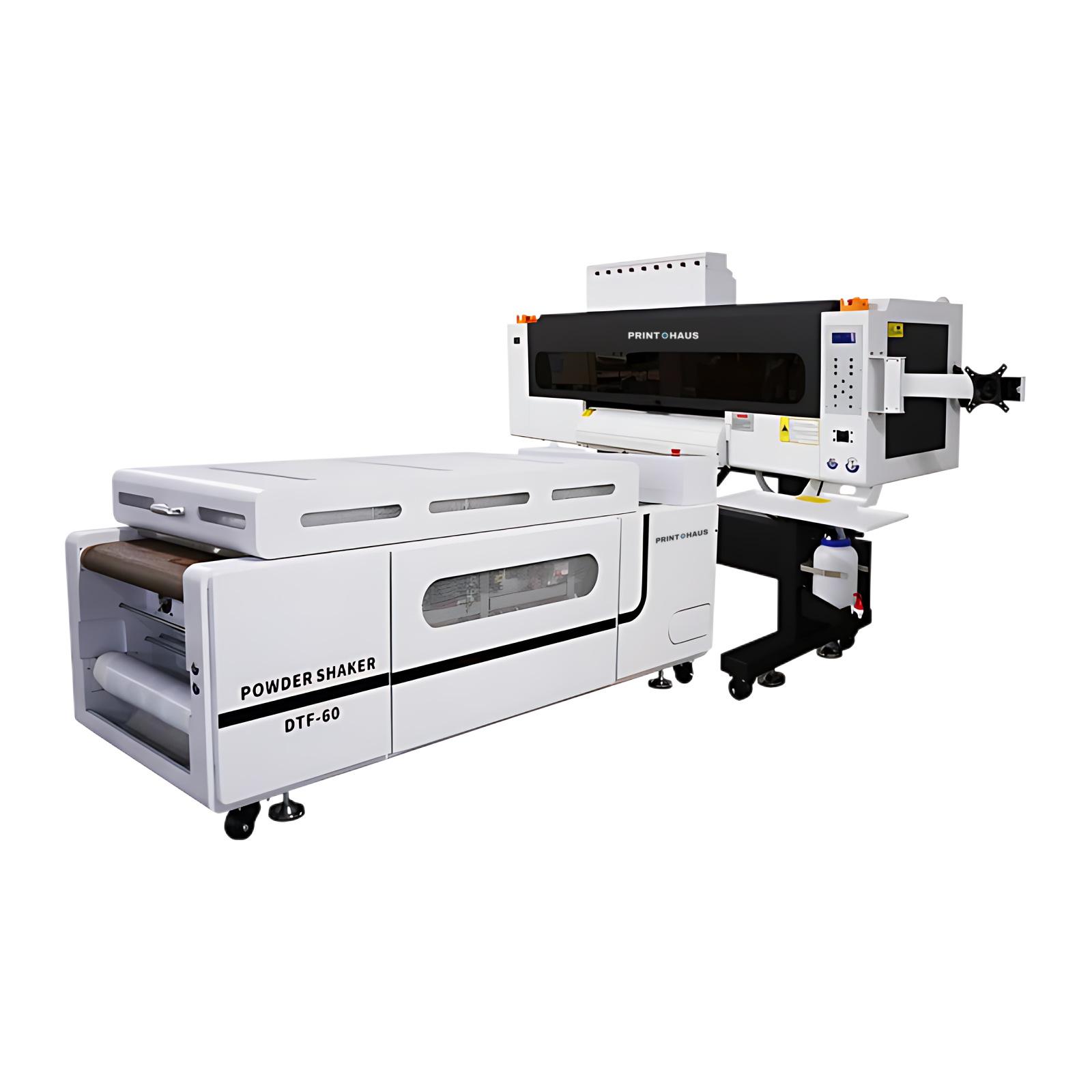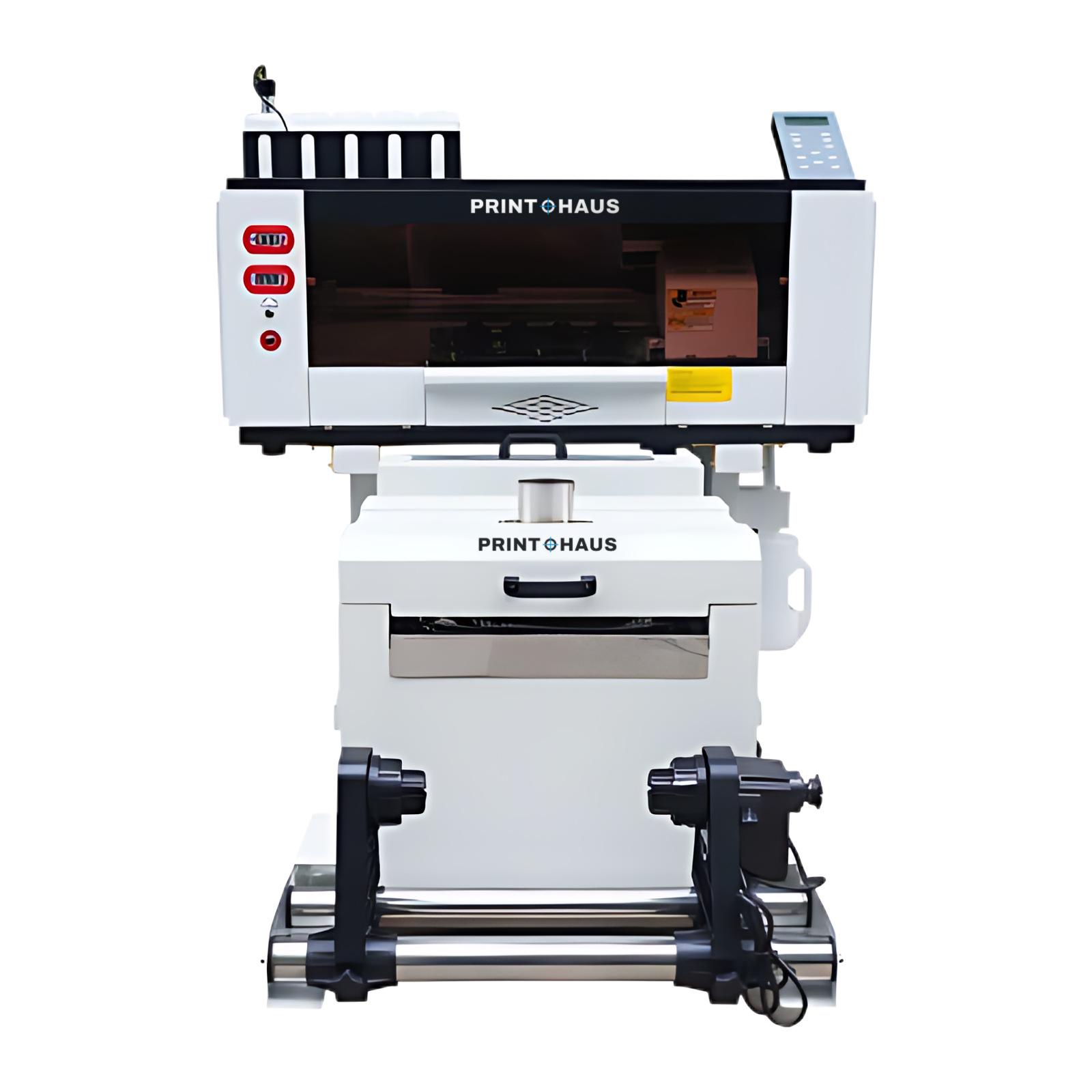
Clogged heads are the most common, and most avoidable, cost in DTF printing. Almost every case comes down to white ink left to settle or a capping station left dirty. A few minutes a day prevents it. This routine works for any DTF printer with Epson heads.
Why DTF needs a routine
DTF white ink uses titanium dioxide, a heavy pigment that sinks when the ink stands still. Left alone, it thickens in the tubes and dampers and blocks nozzles. Printers built for business, like ours, circulate, stir and filter the white ink automatically. Circulation slows settling, but it doesn't replace daily printing and cleaning.
Every day
- Shake or check the white ink tank stirring before you start.
- Print a nozzle check. If lines are missing, run one normal cleaning, then check again. Don't run cleaning after cleaning: it wastes ink and can flood the cap.
- Print something. Even a small test strip keeps every channel moving on days without orders.
- Look at the capping station at the end of the day and clean off any ink build-up with a lint-free swab and cleaning fluid.
Every week
- Clean the wiper blade and the area around the capping station.
- Wipe the edge of the printhead gently with a swab and cleaning fluid. Never touch the nozzle plate itself.
- Empty the waste ink bottle before it fills.
- Clean the powder shaker tray and recover unused powder. Check the curing temperature: around 230 °F (110 °C) for most powders.
Every month
- Clean the encoder strip and the carriage rail with a dry lint-free cloth.
- Check the dampers for air or sediment and replace them if needed. Dampers, wipers and capping stations are wearing parts.
- Check the air filter on the shaker and replace the filter media as needed.
- Back up your RIP settings and ICC profiles.
Keep the room right
- 64–86 °F (18–30 °C) and 40–60% relative humidity.
- No direct sunlight on the film or the ink.
- Keep the printer powered overnight and at weekends, so automatic circulation and capping keep working.
Before a day off
Run a cleaning, check that the heads are capped and leave the printer on. When you come back, print a nozzle check before the first job. For a break longer than a week, ask us how to flush and store the white channel safely.
When to call support
Get help if one cleaning doesn't bring back a missing nozzle, if colours band after cleaning, or if the head reports a temperature or voltage error. Printohaus customers get remote video support for as long as they own the machine. Our technicians can usually find the cause on a video call in minutes.
New to DTF? Start with how to start a DTF printing business, or see the DTF printers we sell.